Passport Photo Maker — 35×45mm
Turn any photo into a 35×45 mm passport-size image (413×531 px at print resolution) — the size most of the world's passports, visas and ID cards ask for.
Add files to get started — nothing is uploaded, everything happens on your device.
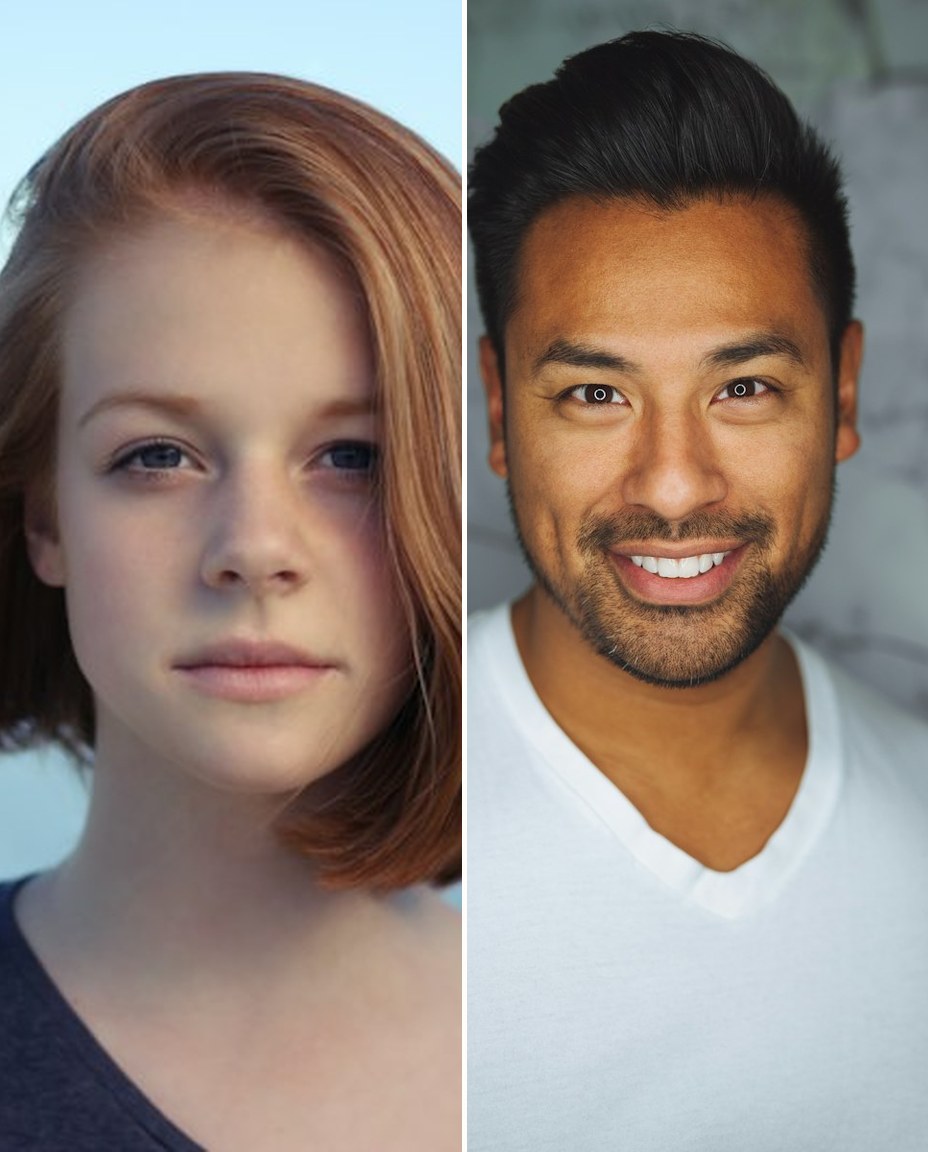
See it in action
Limits
How to use it
Drag your files into the drop zone, or click it to pick them from your device. Nothing is uploaded.
Fill frame crops the edges so no bars appear — right for most ID photos. Whole photo keeps everything and pads with color, which some offices reject, so use it only when asked.
Click the run button and watch the results appear below, with sizes and dimensions shown for every file.
Save files one by one, or grab the whole batch at once with the ZIP button.
About this tool
The 35×45 mm format is the quiet global standard: most passports outside North America, most visas, and countless ID cards and application forms specify exactly it. What they need from you is a file at the right proportions and print resolution — 413×531 pixels at 300 DPI — with the face filling the frame. This maker crops any photo to exactly that, in your browser, which matters more than usual here: an ID photo is one of the most personal files you own, and it never leaves your device.
Everything runs locally in your browser. The file you add is read on your own device, processed with the same canvas and file APIs your browser uses for its own features, and handed back to you as a download — it is never uploaded to a server, never stored, and never shared. That makes the tool safe for private photos, client work and documents, and it also means there are no queues, no per-file fees and no daily limits: you can run batch after batch, on a phone, tablet or computer, as often as you need.
Frequently asked questions
Is 413×531 px really 35×45 mm?
Yes, at the standard print density of 300 DPI: 35 mm is 1.378 inches, times 300 gives 413 px; 45 mm gives 531 px. If a portal asks for different pixel numbers, it is using a different DPI — the physical 35×45 mm stays the same, and this size satisfies the common 300 DPI requirement.
Will this photo be accepted for my passport application?
The dimensions and resolution will be right, which is the part software can guarantee. Acceptance also depends on the photo itself — plain light background, face straight on, no shadows, recent likeness — under rules that vary by country. Shoot against a plain wall in even light, keep your face centered, and this tool handles the rest.
Is this tool free to use?
Yes — completely free, with no sign-up, no watermark and no daily limit. Because the work happens in your browser rather than on a server, there is no per-file cost to pass on to you.
Are my files uploaded anywhere?
No. Your files are read and processed entirely on your own device and never leave it. You can close the tab the moment you finish and nothing remains anywhere — which is why this tool is safe for private and client files.
Can I process several files at once?
Yes. Add a whole batch and the tool works through them one by one, listing each result with its size so you can download files individually or all together as a ZIP.
Does it work on my phone?
Yes. The tool runs in any modern mobile or desktop browser. Very large files can be slower on older phones, because all the processing uses your device's own memory and processor.
Related tools
Want more free tools?
Free tools that all run locally in your browser — no uploads, no fees.
Browse all tools